DoorMaster User Guide
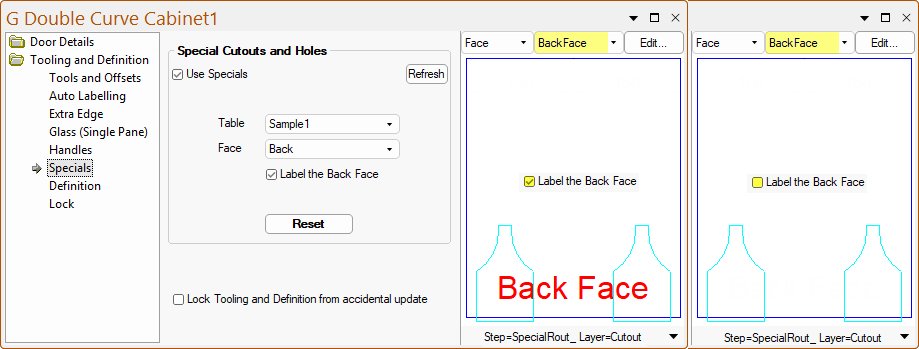
At door level each door has a Tooling and Definition > Specials page which is essentially a repeat of the My Setup-Extras > Specials page of the Drawing Properties, where the job defaults were defined, and allows the defaults to be overridden for each door/drawer.
The Reset button will reset the values for this door back to the job defaults.
The My Setup-Extras > Specials page of the Drawing Properties
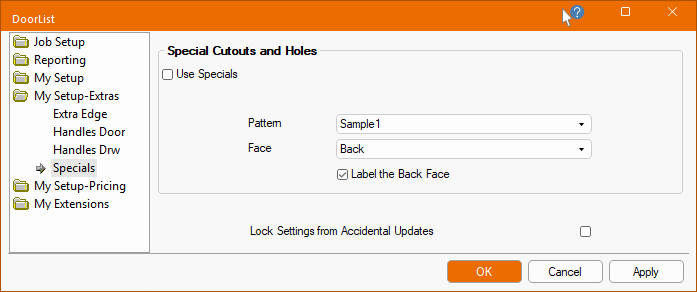
Which face of the door the cutouts appear in is chosen using the Face drop list. This will automatically change the preview pane on the right to show the selected face.
The Label the Back Face checkbox allows you to turn on/off the Back Face text.