
DoorMaster User Guide
Machine Editing / DXF Layer Colours
In This Topic
    DXF Layer Colours
    In This Topic

    All machining layers can have their DXF layer colours customised. The DXF layer colour is a whole number.
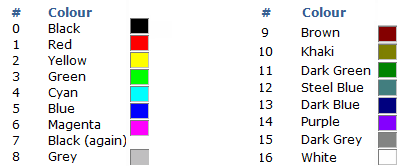
    The color used in the DXF is usually unused by machining but very helpful for viewing. When DXF files are created in the design applications, different types of machining operations are separated onto different layers in the DXF files. The geometry on all the Layers in a file represents a single part, and all the machining such as drilling, milling and cutting, that is to be performed on that part.
    Click to Expand

    Click to Expand

    Using DXF Colours

    One example of the use of DXF colours is when displaying doors in the preview pane or Machining Editor mode.

    The following example shows the colours used for Tooling, set in the Catalog/Drawing Properties. The colours provide visual confirmation of machining on the Back Face of the door panel. 
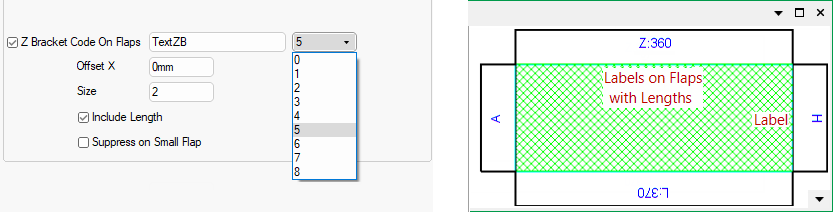
    Click to view in Machining Editor mode

    Click to view in Machining Editor mode


    See Also

    Door Properties