DoorMaster User Guide
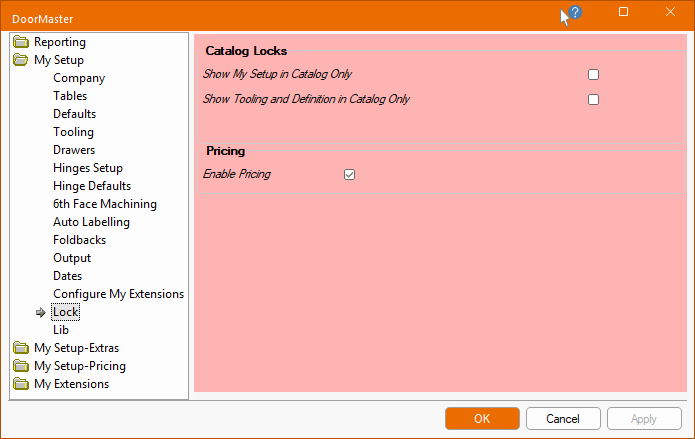
The My Setup > Lock page is only available in the Catalog Properties accessed in the Library Catalog Manager.
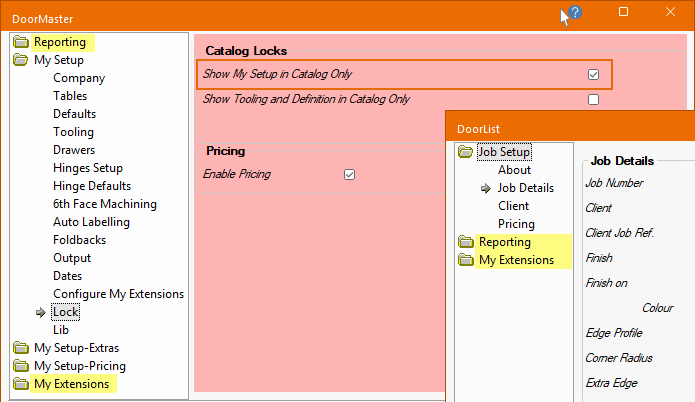
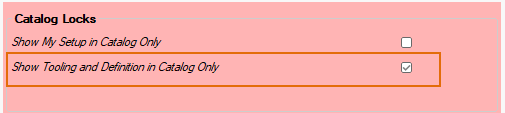
If the Show My Setup in Catalog Only option is enabled, the all three My Setup categories in the Drawing Properties are hidden, as shown below.
If the Show Tooling and Definition in Catalog Only is enabled, the Tooling and Definition category on all doors added in List View, will be hidden when creating future drawings/jobs, as shown below left.
However, the Tooling and Definition category can still be accessed in the Library Catalog Manager, shown below right.
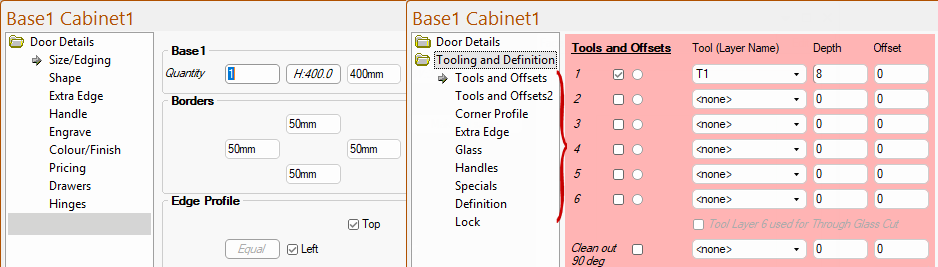
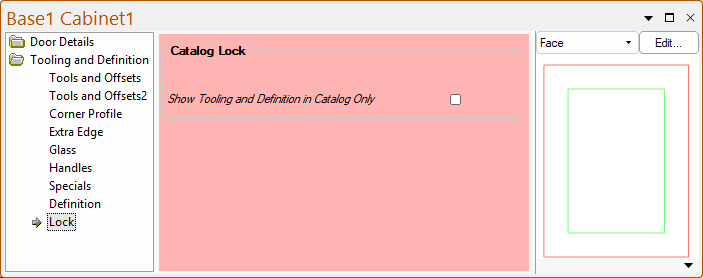
The Show Tooling and Definition in Catalog Only option can also be enabled for individual doors i.e. some doors may require specific tooling that should not be changed. For example, if you enabled/ticked this option for the Base1 door shown, then this only affects this door. Other doors in the catalog e.g. Base2, Base3, will still show the Tooling and Definition category.
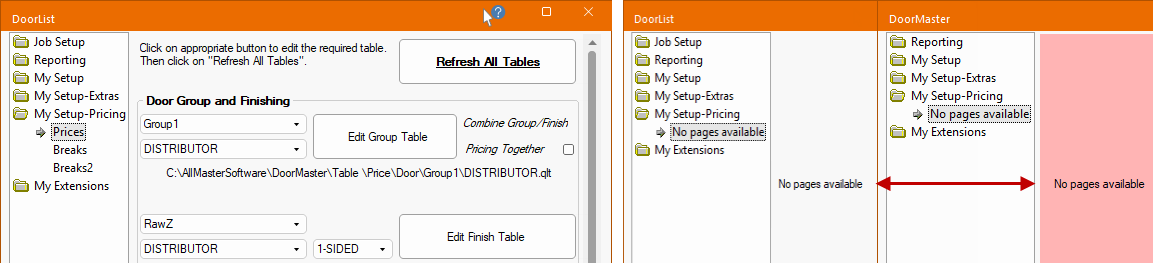
The Enable Pricing option allows you to disable pricing.

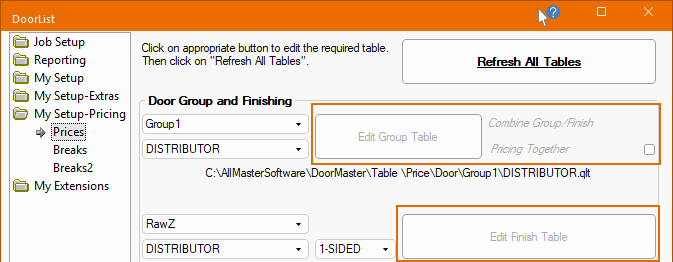
If pricing is not used, then you can untick this option, then the relevant pages will be made unavailable, as shown below right, in both the Drawing and Catalog.
Most pages in both the Drawing and Catalog properties have a Lock checkbox similar to the ones shown here.

If the Lock option is enabled/ticked, then the relevant areas/options will be greyed out (made unavailable).