DoorMaster User Guide
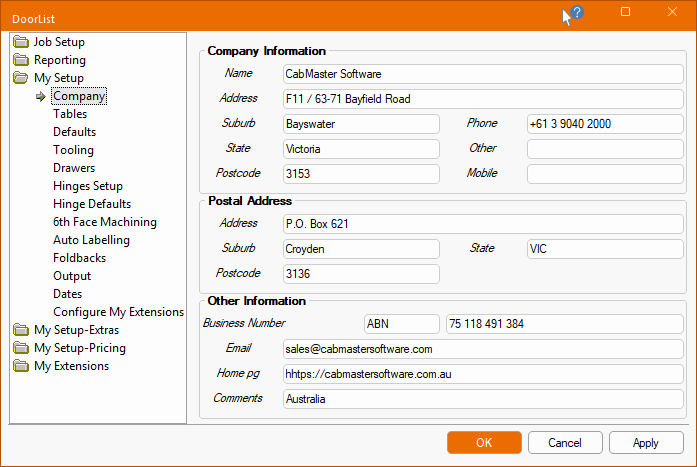
The My Setup > My Company page in the Catalog/Drawing Properties is where you include all your company details such as company name, address and contact details and logo.
Simply click on each edit box and enter the relevant details. Navigate through the edit boxes by using the <Tab> key or mouse.
Other Information
Allows you to enter your company ABN number and store any additional information that you would like to include on your quotations or invoices.
Apply Changes
When you have completed entering all details on this page, click on the Apply button to save your changes without closing the dialog, as you have not completed your setup.